
Remote Video Monitoring for Retail Stores & Shopping Centres in Ontario
September 22, 2026
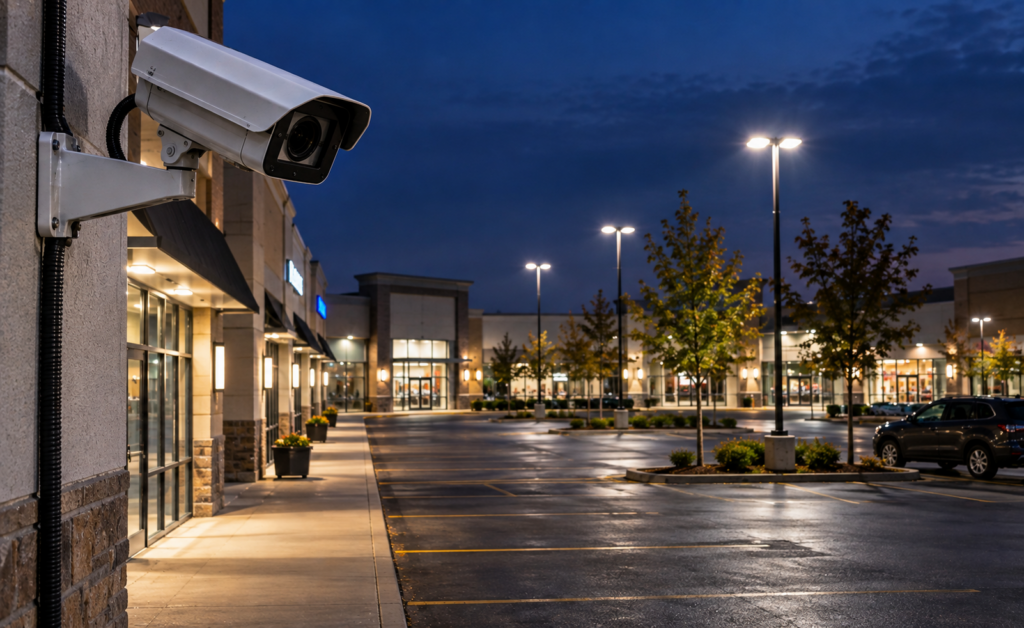
Retail properties face a different security environment from offices, condominiums and industrial sites. Stores may have high daytime foot traffic, valuable inventory, delivery activity, employee access points, parking areas and long periods overnight when the property is mostly empty.
Remote video monitoring can add live operator verification and a defined response process to retail CCTV systems. Instead of relying only on recorded footage after an incident, operators can review configured events, use audio talk-down where appropriate, and follow the property’s approved escalation procedure.
This guide explains where remote monitoring fits for retail stores, plazas and shopping centres, how it works with existing cameras, and when guards or mobile patrol should remain part of the security plan.
Quick Answer: Where Does Remote Monitoring Fit in Retail?
Common retail monitoring zones include:
- storefront entrances;
- rear service doors;
- loading and receiving areas;
- parking lots;
- shopping-centre perimeter zones;
- employee entrances;
- garbage and service areas;
- high-value exterior displays or equipment;
- closed common areas; and
- other after-hours restricted zones.
The strongest programs focus on times and areas where legitimate activity is limited and suspicious activity is easier to identify.
Why Retail Properties Benefit From Active Monitoring
Traditional retail CCTV is useful for investigations, but many incidents happen after stores are closed or in areas staff cannot continuously observe.
Remote monitoring can add live review to those camera systems and support a structured response when suspicious activity occurs.
Potential use cases include:
- people checking locked storefronts after hours;
- loitering near entrances or service doors;
- unauthorized activity behind stores;
- vehicles remaining in restricted areas;
- activity near loading docks;
- entry into closed common areas; and
- repeated movement around high-value exterior assets.
Storefront Entrances
Storefront entrances are often one of the most important retail monitoring zones because they provide direct access to merchandise and customer areas.
Useful camera views should clearly show:
- the doorway;
- the immediate sidewalk or vestibule;
- approach paths;
- adjacent storefront areas; and
- enough context to understand whether the person is simply passing by or interacting with the property.
For after-hours monitoring, operators should know what activity is expected, such as cleaners, contractors or approved deliveries.
Rear Doors and Service Corridors
Rear entrances are frequently overlooked compared with the public-facing storefront, but they may provide access to stockrooms, service corridors or employee areas.
Remote monitoring can help verify activity at:
- staff entrances;
- shipping and receiving doors;
- service alleys;
- garbage areas;
- utility rooms; and
- secondary access points.
These areas are often especially suitable for monitoring overnight because legitimate traffic is limited.
Parking Lots and Shopping-Centre Exterior Areas
Retail parking areas can remain active after individual stores close, especially in plazas with different operating hours. Monitoring rules should therefore distinguish between normal vehicle movement and activity that requires review.
Camera coverage may focus on:
- main vehicle entrances;
- storefront approaches;
- isolated parking areas;
- loading zones;
- service lanes;
- pedestrian routes; and
- areas with repeated loitering or vehicle-related incidents.
For a more detailed parking-specific strategy, see Remote Video Monitoring for Parking Lots & Garages in Ontario.
How the Remote Monitoring Workflow Works
A typical retail monitoring event follows a defined sequence:
- Detection: a camera or analytics rule identifies activity in a monitored zone.
- Verification: a live operator reviews the event and surrounding camera views.
- Intervention: if compatible speakers are available and the procedure allows it, the operator may issue a live warning.
- Escalation: the operator follows the site’s approved instructions, which may include contacting store management, onsite security, mobile patrol or emergency services where appropriate.
- Documentation: the event and actions taken are recorded for follow-up.
See What Happens When a Remote Security Operator Detects an Intruder? for the complete response process.
Can Existing Retail Security Cameras Be Used?
Often, yes. Existing cameras may be suitable if they provide clear video, stable connectivity, appropriate placement and compatibility with the monitoring platform.
A readiness assessment should review:
- camera models;
- NVR, DVR or video management system;
- image quality;
- night performance;
- remote access;
- network reliability;
- blind spots;
- analytics capability; and
- speaker integration.
Read Can Existing CCTV Cameras Be Used for Remote Video Monitoring? for the full technical checklist.
Retail Security Cameras: What Makes a Camera Useful?
A retail property can have many cameras and still have weak security coverage if the views are not positioned around actual risks.
Useful camera planning should provide enough context to understand:
- how a person approached the store;
- whether they interacted with doors or windows;
- whether they moved to another entrance;
- whether a vehicle was involved;
- which direction they travelled; and
- whether additional people were present.
For system design and upgrades, see our Security Camera & CCTV Installation service.
Remote Monitoring vs. Recording-Only Retail CCTV
| Recording-Only CCTV | Remote Video Monitoring |
|---|---|
| Records footage | Adds live event review |
| Often reviewed after an incident | Can support action while activity is occurring |
| No operator response by default | Operator follows defined escalation procedures |
| Useful for investigations | Useful for both intervention and investigation |
See Live Video Monitoring vs. Traditional CCTV for a broader comparison.
Audio Talk-Down for Retail Properties
Where compatible speakers are installed, operators may be able to issue a live warning to someone remaining in a restricted area after hours.
Talk-down is most effective when:
- the operator can clearly see the area;
- the speaker covers the monitored zone;
- the site has clear instructions for when audio should be used; and
- the escalation procedure is defined if the person does not leave.
When Mobile Patrol Should Be Included
Remote monitoring can verify activity, but some incidents require physical attendance.
Mobile patrol can provide that physical response layer for stores or plazas that do not maintain a guard onsite throughout the night.
A combined model may use remote monitoring for detection, audio talk-down for immediate intervention and patrol for physical attendance where required.
When Onsite Security Guards Still Make Sense
Retail properties may still require onsite security guards when the role includes:
- customer-facing security;
- mall or plaza patrols;
- access control;
- tenant assistance;
- physical response during operating hours;
- event or crowd management; or
- other duties that require a person onsite.
Remote monitoring can support guards by extending visibility into exterior or low-traffic areas.
Shopping Centres and Multi-Tenant Plazas
Multi-tenant retail sites require more detailed operating procedures because different stores may have different hours, deliveries and contractor schedules.
The monitoring plan should identify:
- tenant operating hours;
- approved delivery schedules;
- common-area responsibilities;
- shared service corridors;
- property-management contacts;
- onsite security contacts; and
- which areas are monitored centrally.
Identigate also provides broader security programs for Retail and Shopping Malls.
Retail Loss Prevention vs. Remote Monitoring
Remote video monitoring is not the same as in-store loss prevention.
Loss prevention usually focuses on theft, internal controls and customer activity during business hours. Remote monitoring is often more effective for after-hours exterior security, restricted areas and events that can be clearly defined by camera rules.
The two functions can complement one another, but they should not be treated as interchangeable.
Monitoring Hours Should Match Store Operations
Retail monitoring schedules should reflect when the property is most vulnerable and when legitimate activity is easiest to distinguish from suspicious activity.
Common schedules may include:
- after store closing;
- overnight hours;
- weekends;
- statutory holidays;
- specific closed common areas; or
- selected high-risk exterior zones monitored continuously.
What Should a Retail Security Assessment Review?
A practical assessment should answer:
- Which entrances are most vulnerable?
- Where are the rear and service doors?
- Are parking areas adequately covered?
- Are there blind spots?
- Are existing cameras usable?
- Is nighttime image quality acceptable?
- Should talk-down speakers be added?
- Who should be contacted after a verified event?
- Is mobile patrol required?
- Are guards still needed during occupied hours?
- How are authorized cleaners, contractors and deliveries identified?
- What incident reporting does management require?
Frequently Asked Questions
Can remote monitoring help protect retail stores after hours?
Yes. After-hours retail monitoring can be especially effective where legitimate activity is limited and cameras cover entrances, service areas and exterior zones clearly.
Can existing store cameras be reused?
Often, yes, if they provide suitable video quality, placement and connectivity. A technical assessment is recommended.
Can remote monitoring replace a retail security guard?
It may reduce the need for some observation-focused overnight coverage, but duties involving customers, access control, physical patrols or onsite response may still require guards.
Can mobile patrol respond to a retail monitoring alert?
Yes, where patrol dispatch is included in the service plan and the site’s escalation procedure authorizes it.
Can talk-down speakers be used outside a store?
Yes, where compatible speakers are properly positioned and the operator can clearly see the monitored area.
Does every camera need to be monitored?
No. Monitoring should prioritize the cameras and zones that matter most to the property’s security objectives.
Build a Retail Remote Monitoring Plan
Retail security works best when CCTV, live monitoring, patrol response and onsite security are coordinated around the property’s actual operating hours and risk areas.
Identigate Security Services provides remote video monitoring, CCTV, mobile patrol, security guards and integrated retail security programs across Ontario.
Request a retail remote monitoring assessment and security proposal.
Explore More Security Resources
Review Identigate’s security services, systems, industry solutions and service areas for Toronto, the GTA and Ontario.
Need a Site-Specific Security Program?
Tell us about the property, operating environment and security requirements. Identigate can review the scope and recommend an appropriate combination of personnel, patrol, monitoring and technology.